
Sampson County Court Calendars Explained
Sampson County sits inside North Carolina's unified General Court of Justice. There is no separate city court here. The Sampson County Clerk of Superior Court keeps the files for both divisions. Those divisions are Superior and District. A felony or a major civil case lands in Superior Court. District Court handles misdemeanors, traffic, small claims, family matters, and lower-value civil cases. So your first job is figuring out which division holds your case. Not every Sampson setting appears on one list.
The county's official landing page gathers links to local court services, calendars, and online tools. The Portal's Case Summary gives you case history. It is also called the Register of Actions. The separate Search Hearings feature answers where and when something is currently set. The Judicial Branch also posts Sampson Civil and Criminal calendar PDFs. These channels work together. A Case Summary explains the case. A current calendar is better proof that a hearing is actually live.
Remember this: a past hearing in a Case Summary is history. It does not confirm that the same Sampson County court date is still active.
Portal Search Hearings for Sampson Dates
Every hearing search runs through the North Carolina eCourts Portal. Pick Sampson as the location. Search Hearings demands three controls: Location, Hearing Type, and Search Type. The last one accepts a case number, party name, business name, attorney name, attorney bar number, judicial officer, or courtroom. Every route needs a date range. A full record number narrows things best when you have one.
Think of Search Hearings as the answer to one plain question. When and where is something set? The official guide notes you can sort results into a call-list view. It also says to ask the courtroom clerk about the actual order of calls. That order depends on the court and the judge. The feature stays silent on whether a hearing is remote or in person. Any remote-access question goes to the responsible court office.
Portal access is free. You do not need to register to search public results. Registration only unlocks saved cases in My Cases. It never opens confidential or restricted information. The official Portal training resources walk through the search and case-summary tools in more depth.
Local facilities matter too. The official Sampson County Courthouse Annex page identifies one of the court buildings serving the county.
Before you travel, check any calendar result against the division and the current case information.
Finding Your Court Date
Work the channels in order when a Sampson date matters. Go online first: collect the complete record number and see whether a current hearing appears. Then turn to the posted calendar. Use the responsible office too if an entry is unclear or looks stale. A clerk can explain a file or a calendar process over the phone. Sealed and confidential matters stay sealed, though. No phone inquiry makes them public.
- Open Portal Smart Search and enter the complete record number, or use a name in the documented Last, First Middle Suffix format. Narrow a statewide result to Sampson County.
- Open the public Case Summary and review its Hearings section. Then use Portal Search Hearings with Sampson, a hearing type, an available search criterion, and a current date range.
- Open the current official Civil or Criminal Sampson calendar PDF and verify the correct division. A District Court calendar and a Superior Court calendar are not interchangeable.
- If the online sources conflict or omit a current detail, call District Court Judges at (910) 596-6612, Superior Court Judges and Trial Court Administration at (910) 596-6616, or the Clerk at (910) 596-6600. The clerk counter and public self-service terminal at the courthouse are additional routes for a local file.
- For a paper-era case or a filed document needed to understand the setting, visit the Clerk of Superior Court at 101 E. Main St., Clinton, during official weekday hours, or contact the clerk first. Mail is documented for payments, not as a published general calendar-request channel.
Sampson Civil and Criminal Calendar PDFs
The Judicial Branch calendar application gives you two filters. One is the Sampson civil calendar filter; the other is the Sampson criminal calendar filter. Each posts PDFs with a session or call-list view. A single Case Summary may not reveal it. Always open the current document rather than a saved old copy. Calendar contents change. Division drives the comparison. District Court takes misdemeanors, infractions and traffic, civil matters at or below $25,000, family matters, juvenile matters, and small claims. Superior Court handles felony prosecutions, civil claims above $25,000, and some appeals. The right county can still be the wrong division for your case.
One more building to know about: the official Sampson County Courthouse Extension page documents another local court facility.
The published location information helps with routing, but the dated calendar remains the source for a particular session. The Sampson civil calendar results show the county-specific civil calendar channel.
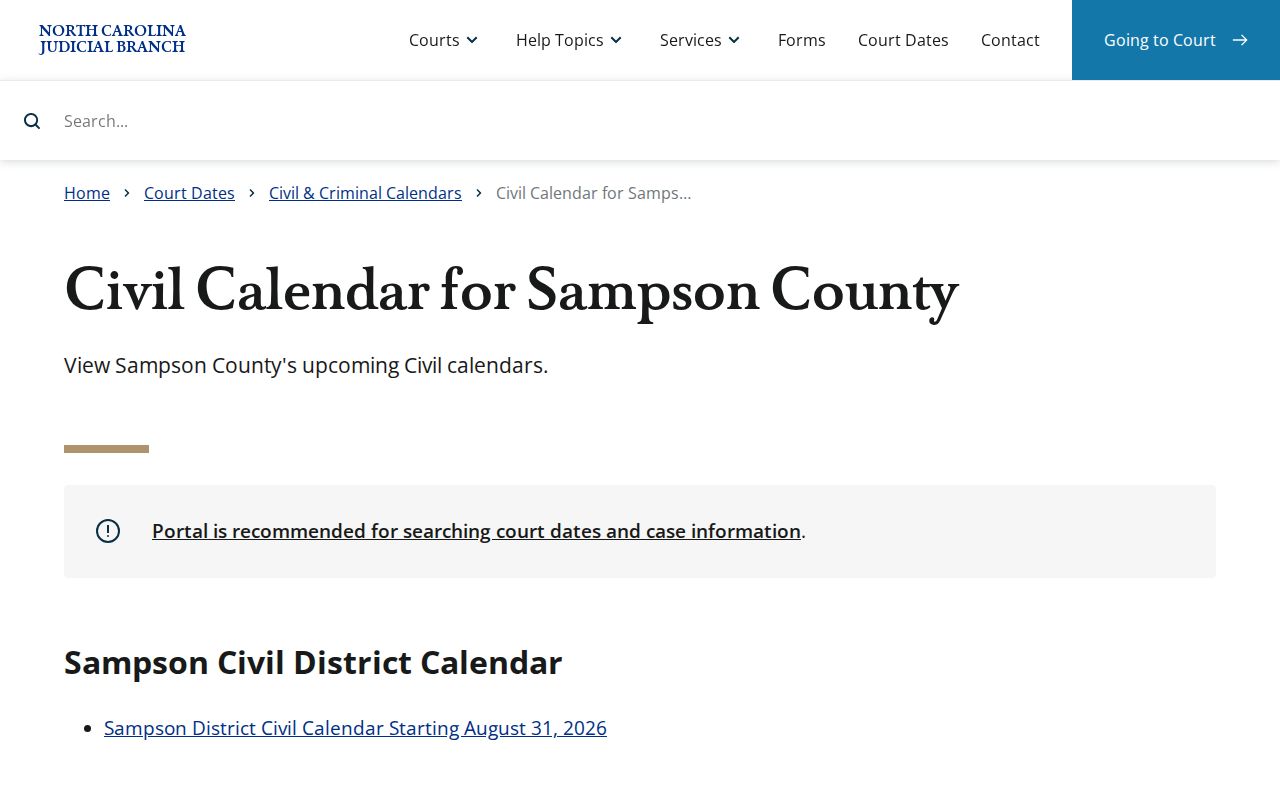
For a civil setting, pair the civil PDF with the Case Summary and Search Hearings.
How to Read a Court Setting
A setting is a scheduled court event, nothing more. It is not necessarily a final trial. Read the date and time together with the case number, division, location, and event type. Search Hearings can locate the live calendar entry. The Case Summary supplies the surrounding history. If the displayed time looks like a docket call, remember that the order of cases may still be decided in the courtroom itself.
| Date | The calendar date returned by Search Hearings or printed on the current Sampson calendar. |
|---|---|
| Time | The scheduled time or docket-call time; it is not a promise of the exact order of every case. |
| Courtroom | The courtroom returned in Search Hearings or shown on the calendar. Confirm the facility before travel. |
| Judge | The judicial officer or division information shown for the setting, when listed; it can change with assignments. |
| Setting Type | The selected hearing type or calendar category, such as a motion, trial, calendar call, or other listed event. |
Note: Portal does not promise a remote-hearing indicator. Get any participation link from the clerk or court office.
Sampson Civil Calendar Call Rules
Sampson County's local civil rules split settings into two tracks. A motions-calendar item covers uncontested divorces, judgments on the pleadings, summary judgment, or anything else likely to take one hour or less. Send the request to the clerk and Judicial Assistant at least 20 days before the District Court term you want. The judge takes up listed matters on Monday morning at calendar call.
Anything contested belongs on the trial calendar instead. So does any motion or hearing expected to run past one hour. That request also goes to the Clerk and Judicial Assistant. Notice goes to the other parties or counsel. The deadline is at least 30 days before the requested District Court term. Cases are called in the order the requests came in. Two calendar requests per case is the limit. A noncompliant one may simply be ignored by the Judicial Assistant and Clerk.
The Sampson local rules and forms page carries the official calendar-request materials. These deadlines bind party requests for civil settings only. A traffic citation date is a separate animal. It does not become a civil calendar request.
Continuances, Resets, and Cancellations
A continuance or reset only moves a setting; it decides nothing on its own. In Sampson District Court civil practice, the judge at the Calendar Committee Meeting grants or denies a continuance motion before the committee adjourns. Once it adjourns, the judge holding the civil term takes the request at calendar call. So an old Portal hearing event is no substitute for a current calendar check.
Superior Court works on its own clock. The local form asks that trial-date requests reach the Superior Court Judge's Office at least 31 days before the requested trial date, and motion calendaring requests at least 12 days before the requested hearing date. The Superior Court coordinator's line is (910) 596-6616. One mailing caution: the courthouse page lists Clinton ZIP code 28328, but the form's printed ZIP is inconsistent, so verify before you mail anything.
The current criminal docket lives at the official Sampson criminal calendar results, which shows criminal court dates as the court posts them.
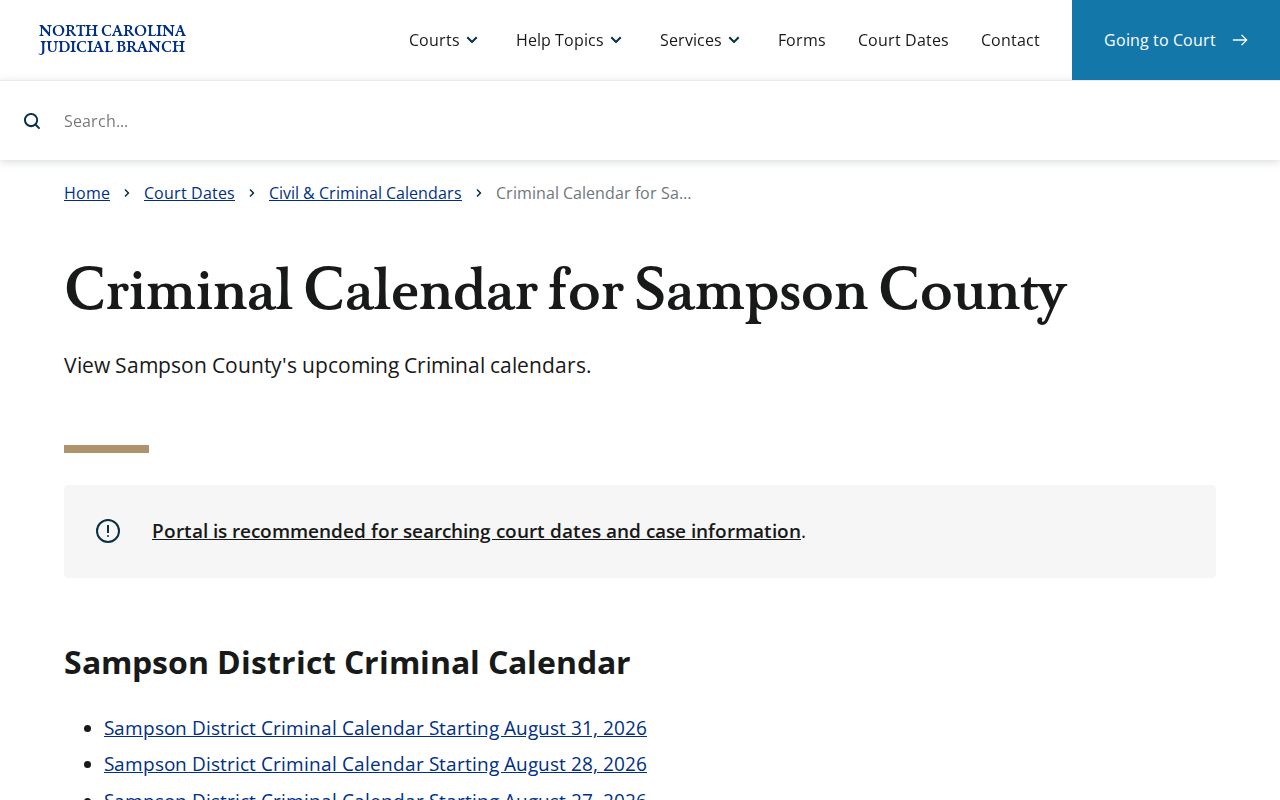
Suspect a reset? Reopen the criminal calendar PDF rather than trusting the old entry. If it still looks unclear, confirm the new date with the office that handles the setting.
Sampson Court Calendar Setting Terms
Calendar wording does real work. The local rules use "calendar call" for the judge's handling of listed matters, while Portal's Case Summary shows a Hearings section when hearing information exists. Treat these labels as procedural, not as outcomes. That habit keeps a routine event from being mistaken for a final case result.
- Calendar call
- The Sampson civil process in which the judge handles listed motions and later continuance issues at the call.
- Motions Calendar
- A Sampson civil calendar for listed matters generally expected to take one hour or less.
- Trial Calendar
- The local civil calendar route for contested matters, motions, or hearings expected to exceed one hour.
- Hearing
- A scheduled court event shown in a Case Summary when available and searched separately through Search Hearings.
When Sampson Court Dates Do Not Appear
A missing date has a few usual suspects. Check the full record number and name format. Make sure Sampson is the selected Portal location. Set a current date range in Search Hearings. A recently entered item may still be processing. An older paper file may need a clerk's eye. Sealed or confidential information stays off limits, and Portal also cannot tell you whether remote participation is available.
When Portal and the current Civil or Criminal PDF come up empty, go to the office that owns the setting. District Court questions go to (910) 596-6612. Superior Court and trial-court administration use (910) 596-6616, and the Sampson Clerk is (910) 596-6600. That beats reading tea leaves from an old Case Summary event.
Each Sampson channel answers a different question. The Case Summary gives case history. Search Hearings gives a current time-and-place query. A civil or criminal PDF gives the session view. When they disagree, the Sampson court office settles it.
Sampson District Court staff handle District setting questions. Superior Court and Trial Court Administration run the Superior channel. The Clerk holds the court file and can handle an ordinary nonconfidential paper-file question. Note that a mail payment option does not create a mail calendar-request route. Confirm the procedure before sending anything.
For any Sampson traffic, criminal, or civil event, pair the record number with the date range. A courtroom result may be sorted, but the courtroom clerk can explain the actual call order. Remote-participation details sit outside the Search Hearings display, so ask the office directly.
The Sampson sequence is simple: the record number finds the Case Summary. Search Hearings checks the current event. The Civil or Criminal PDF checks the session, and the court office resolves any conflict. District and Superior settings use different contacts. A clerk inquiry cannot unseal a record or override a restriction.
If You Miss a Court Setting
Missed a Sampson setting? Act fast. Check Portal Search Hearings and the current posted calendar. Then call the office for that division and the Sampson Clerk. Have the full record number ready and ask what the current setting is. An old entry is not proof of what the court will want next.
Missed a Setting? A missed criminal court date can have serious consequences, so confirm the current case status with the responsible court office without delay.
For District Court setting questions call (910) 596-6612; for Superior Court and trial-court administration call (910) 596-6616; the Clerk of Superior Court is (910) 596-6600.
Consult a licensed attorney about a missed Sampson County court setting and follow any instruction issued for the case.