
How to Search Cases by Name
Every public search starts at the North Carolina eCourts Portal. Pick Smart Search. Enter the name in Last, First Middle Suffix order, exactly as the guidance documents it. The query runs statewide. Set Location to Sampson first. Only then layer on a case type, a status, or a filing-date range. Smart Search works by party, not by charge description. Portal returns all parties except victims. A matching name is only a doorway to a public court file; it says nothing about everyone who shares that name. Spell the name exactly if you can, then check the case number, location, case type, and status before opening anything.
- Open Smart Search and enter a record number or a name in the required basic field.
- Use Advanced Filtering Options after the basic entry, then select Sampson in Location.
- Add a case type, status, or filing-date range only when it helps narrow the returned cases.
- Submit the query and click the underlined case number that matches the local case.
- Read the Case Summary, then use Search Hearings for a current Sampson court date when needed.
| Portal field | Type | Use for a Sampson search |
|---|---|---|
| Record Number or Name | Text | Required basic criterion. A name uses Last, First Middle Suffix format. |
| Location | Filter | Narrows a statewide return to Sampson County. |
| Filter by Search Type | Dropdown | Includes case number, party, business, citation, attorney, bar number, cross-reference, and nickname. |
| Case criteria | Filters | Case type, status, and filing-date range can reduce a broad return. |
Smart Search for Sampson Case Lookup
Smart Search is not its own Sampson site. It is the statewide eCourts layer, with Sampson available as a location filter inside it. That matters when a common name drags in cases from several counties. Portal caps results at 200. If it tells you 200 results came back, tighten the filters rather than assuming your case was left out. Wildcards rescue uncertain spellings. Official guidance sets a floor. A case-number wildcard needs at least four characters before the asterisk. For names, use at least three letters of the last name plus an asterisk, then at least one first-name character plus an asterisk. Business names call for the matching advanced search type. The Portal training and resources page from the state courts covers the public Smart Search and Case Summary tools in plain terms.
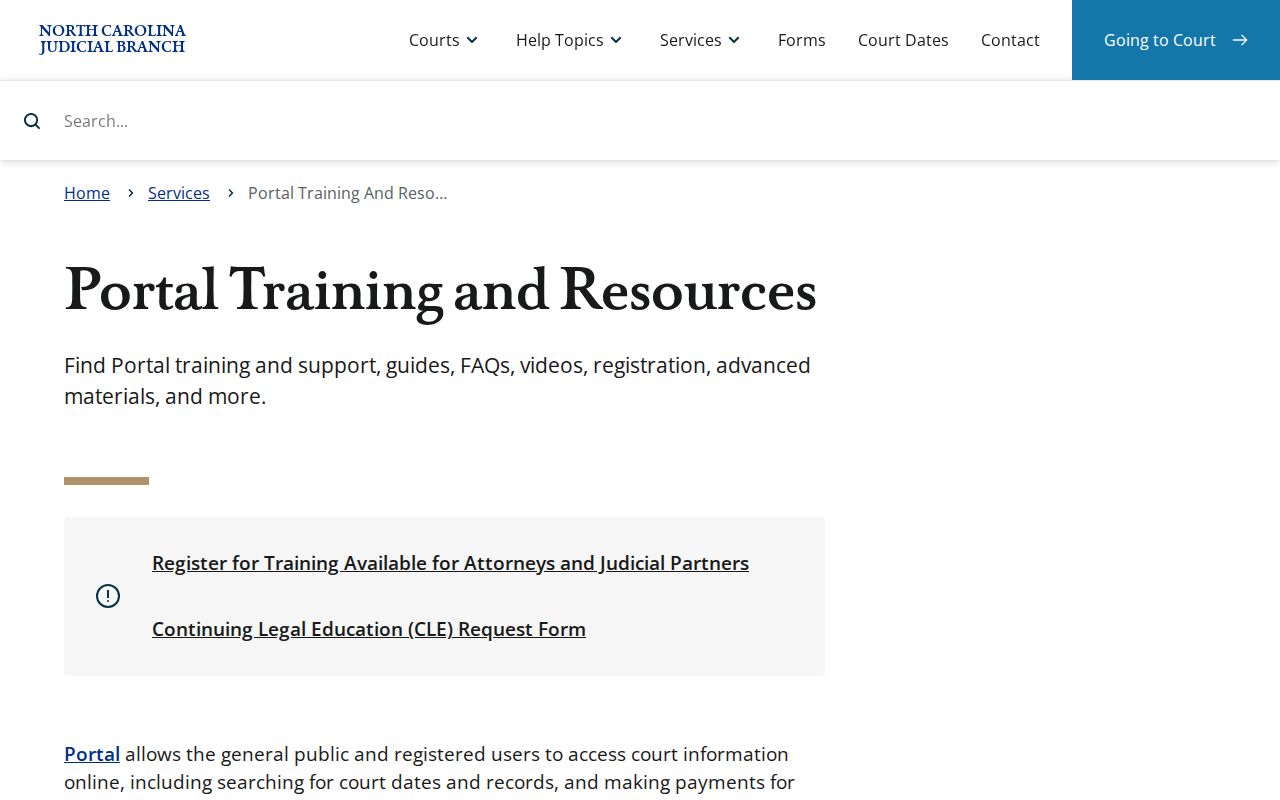
The Portal material lays out the public search fields before you narrow anything to Sampson.
Sampson Case Lookup Location Filters
Location is what turns a statewide Portal query into a local one. Enter the name or record number first. Select Sampson, then apply only the filters that genuinely fit. A filter set too wide can bury the case you want. Skip the location filter entirely. You may dig through results held by counties that have nothing to do with your Sampson file.
Searching by Case Number
A full record number is usually the sharpest tool for a Sampson case lookup. The statewide format has four parts: a two-digit year, case-type letters, a six-digit sequence, a hyphen, and a three-digit county identifier. The state guide's sample is 21CR000003-910. Treat that strictly as an example, not as proof that the last three digits always mark a Sampson file. Drop the whole number into Smart Search, click the underlined result, and verify the location and case details in the Case Summary. Need a future date rather than history? Use the calendar's Search Hearings portlet. Citation Number also works as an advanced search type for an eligible traffic case.
Four Parts of a Sampson Case Number
Each record number packs in a year, case-type letters, a sequence, and a county identifier. Read the case-type letters straight from the Portal display instead of guessing at expansions. The state's example uses CR for criminal. Its filters also name many categories. These include civil general, civil magistrate, foreclosure, summary ejectment, domestic, special proceeding, estate, criminal, and infraction.
- Record Number
- The Portal case identifier, built from year, case-type letters, sequence, and county identifier.
- Case Summary
- Portal’s other name for the Register of Actions, the date-ordered public summary of available case information.
- Case Event
- A docketable step recorded in the case history, such as a filed, issued, returned, calendared, or disposed event.
- Disposition
- The Case Summary section for recorded result information when it is present.
Sampson Case Lookup Privacy Masks
Portal hides month and day in public date-of-birth fields. It shows xx/xx beside a year when one exists. That mask is a privacy rule, not an invitation to patch the gap from elsewhere. Rely on solid identifiers instead. The record number, location, case type, and status together tell you whether a Sampson result is truly the right public file.
What a Case Search Shows
Click the underlined case number and the public Register of Actions or Case Summary opens. Think of it as a chronology and an index. It does not promise that every filed page is online. The range depends on the case. The summary can show case and assignment details, party information, civil or family causes of action, events, dispositions, hearings, and any financial information on record.
| Case and assignment information | Basic case-level and assignment information documented by Portal. |
|---|---|
| Party information | Parties connected to the case; Portal search returns exclude victims. |
| Case events | The chronological Register of Actions, showing docketable activity entered for the public case. |
| Hearings | Shown when hearing information exists. Confirm a future event through Search Hearings or the current calendar. |
| Dispositions and financials | Separate sections that appear when Portal has information to display. |
A missing financial section does not mean the balance is zero. A blank Hearings section does not prove no setting exists. For confirmation, turn separately to Search Hearings, the current Sampson calendar, or the court office responsible for the case.
Portal Case Summary for Sampson Cases
Start with Case Events. Read top to bottom in date order. Set the Hearings section beside a fresh hearing search before you trust any date. The event language comes from the state's FAQ. A real criminal docket uses issued, returned served, returned unserved, reset to unserved, and recalled. Those words attach to warrants, orders for arrest, and criminal summons. Each label records one action. None of them, alone, tells you where a person stands legally.
Civil, family, probate, and mental-health cases work a bit differently, with Portal building a Causes of Action section for those categories. For an outcome, go to Dispositions. Do not read a status label as the final word. Public document images that have been uploaded can be opened. The catch is that only one opens at a time. A large file that throws ER141011 is a processing problem. Raise it with the Sampson Clerk; it does not mean the case vanished.
County vs Statewide Case Search
Sampson case records live in the statewide Portal. The clerk of court keeps the actual file. So the two tools cover different needs. Use Portal for public docket information and a quick case number. Take anything else to the clerk. That means an older file, a certified copy, or a category the online system limits.
| Channel | Best use | Limit to remember |
|---|---|---|
| Portal Smart Search | Public name, number, case-summary, and available-document lookup. | Use Sampson as a location filter; restricted and confidential material is not public online. |
| Portal Search Hearings | Current date, location, courtroom, or party-based hearing inquiry. | It does not promise remote-hearing details or a final call order. |
| Sampson clerk and terminal | Local file questions, paper records, inspection, copies, and certification. | The clerk applies the governing access rules to the actual file. |
The state also runs a Remote Public Access program that licenses real-time data and statewide extracts to approved users. It is a documented program. For ordinary public case lookup, though, it is not the standard Portal route.
Because that program reaches every county, a Sampson docket search should always start with the local location filter.
When a Sampson Case Does Not Appear
Do not assume a Sampson case is missing until you check the input itself. Try the exact case number. Try the documented name format, an allowed wildcard, and the Sampson location filter. A blank result can mean several things. It might be a spelling or format slip. It could be a case still processing after upload, an older paper file, a restriction, or a record that truly is not in the system. Portal's CAPTCHA sometimes blocks access too. The state names Edge and Chrome as the best-supported browsers.
For a local fallback, visit the public self-service terminal at the Sampson clerk's office. Or call the Clerk of Superior Court at (910) 596-6600. The courthouse sits at 101 E. Main St., Clinton, NC 28328. District Court questions go to (910) 596-6612. Superior Court and Trial Court Administration questions go to (910) 596-6616. The Judicial Branch allows paper files to be viewed in the county where the case is located. Access restrictions still apply.
The clerk publishes no email or fax channel for routine court-file requests. Call first if you plan to mail a copy request.
Sampson Case Lookup Clerk Fallback
The official Sampson County court page pulls together local services and online tools. The Sampson contact directory lists the office-level numbers for clerk and calendar questions. For a nonconfidential older file, a terminal lookup, or a local document problem, the Sampson courthouse page helps. It shows where the clerk sits and what public services are offered.
Sampson Smart Search is the county's online starting point. Even so, remember that it is one location filter inside a statewide system. A name search may return a hit. Verify it against the case number, case type, and status. For a current court date, open Search Hearings rather than trusting an old docket event. The Sampson calendar and the court office are still the best confirmation.
A public terminal at the clerk's office helps. That applies when a nonconfidential file will not fully appear online. The clerk can answer a paper-file question. The office can also handle a plain-copy request or certify a document. NCAOC administrative-record requests follow a different route than court files. The clerk holds the actual case documents.
Registering for Portal does not widen public access. It only saves cases to My Cases. Sealed files, confidential documents, and restricted records stay off-limits no matter who searches. Confirm any result. Match the record number, the location, and the case details together. Use Portal first for public documents. Go to the clerk when a file needs hands-on review.
Sampson eCourts Case Filing Transition
Sampson County joined eCourts on February 3, 2025. Portal, Enterprise Justice or Odyssey, and File & Serve all launched together that day. Historical paper records stayed with the clerk. The statewide rollout later put Odyssey in all 100 counties. That history matters for a docket reader. A current Portal result can mix in converted legacy activity. An older paper file can still hold something the screen does not show.
Electronic filing runs through the official eCourts File & Serve service. That page is the channel for covered filings. Filing access is separate from public searching. A case lookup still goes through Portal. A record that cannot be located or certified online still belongs with the clerk.
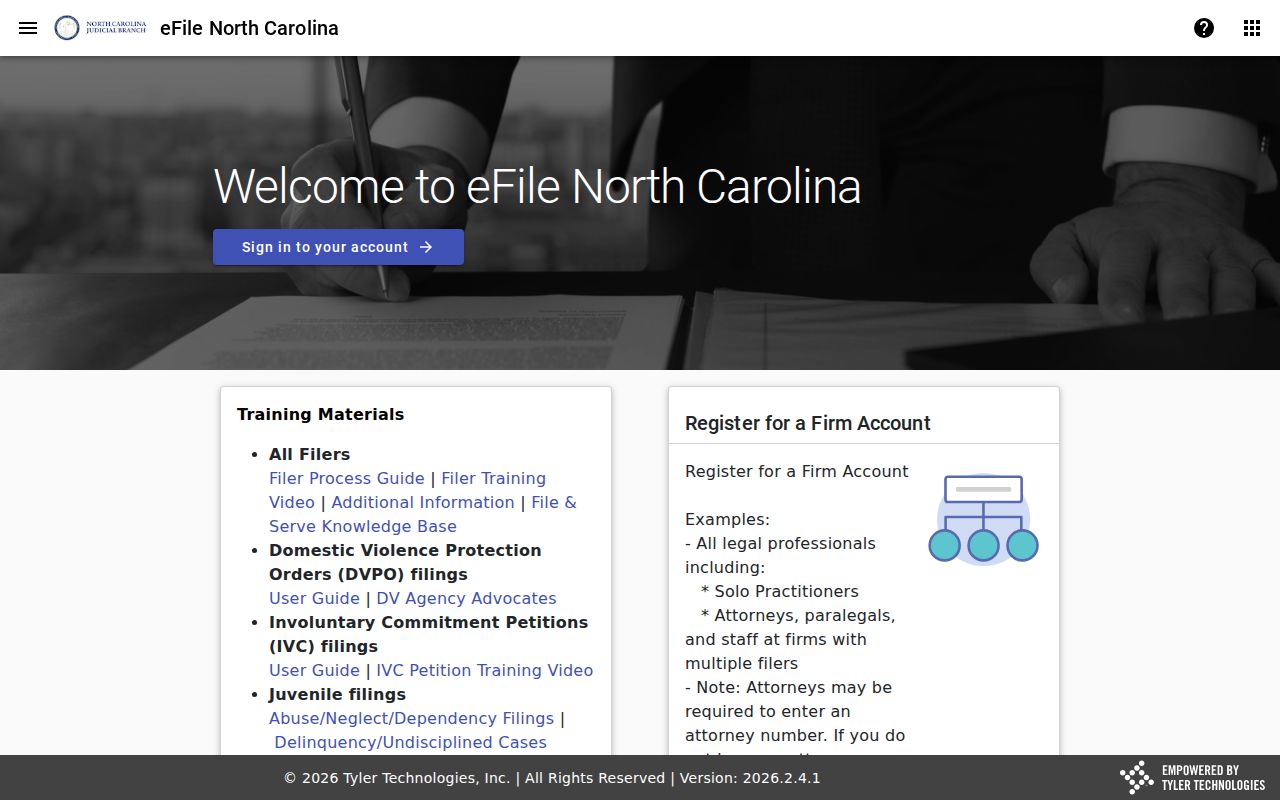
The filing service works beside the public Portal and the clerk, not in place of them, for Sampson case information.
Restricted Cases and Access Rules
Not everything in the Sampson County court docket is open to view. The Public Portal blocks sealed and confidential cases. Their data and documents are blocked too. Some matters carry their own rules by statute. These include juvenile delinquency records, abuse and neglect cases, dependency proceedings, and minor-abortion-consent files. Expunged court records are confidential too. So a search that comes back empty may mean the file is protected. It does not mean no court case ever existed.
The Portal also hides details inside results that do appear. A year of birth may be on file. The month and day show as xx/xx. A case lookup is not meant to expose protected personal information. If you need access to a restricted record, ask the clerk's office about the authority that governs it. A phone call cannot override a sealing order or a statute.