
Searching Sampson County Civil Dockets
For a Sampson civil docket, the statewide starting point is the North Carolina eCourts Portal. In Smart Search, type a party name or case number first. The advanced filters only unlock after that basic entry. From there you can narrow results to Sampson County. You can also pick a civil case type, or set a filing-date range if the return comes back too broad.
Clicking a linked case number opens the Register of Actions. The Portal also calls it a Case Summary. Read the events in date order. The Hearings tab then shows any settings tied to that case. Comparing it with Search Hearings or the current civil calendar confirms what is still live. When the result is missing, restricted, decades old, or you need a filed copy, turn to the Sampson Clerk of Superior Court, the public terminal, or the paper-file counter at the courthouse.
- Start Sampson Smart Search with a complete record number or party name.
- Use Location to narrow the Sampson result to Sampson County.
- Select Sampson Civil Actions, a supported domestic type, Estates, or a nonconfidential Special Proceedings filter only when appropriate.
- Open the underlined Sampson case number and read Case Events and Hearings.
- Call the Sampson Clerk of Superior Court at (910) 596-6600 for a paper-file, document-copy, or certification question.
Note: A newly uploaded public event or document in a Sampson civil case may not appear right away. Clerk processing has to finish first before the Portal shows it.
Sampson Civil Dockets Above $25,000
The amount in dispute decides the trial division. Ordinary civil actions over $25,000 land in Superior Court under the North Carolina structure applied in Sampson County. Actions of $25,000 or less stay in District Court, subject to statutory exceptions. Family matters sit in District Court no matter the amount. Both divisions share the same Sampson Clerk. That clerk keeps the county file, and the same Portal route serves both for public Case Summary searching.
| Sampson civil matter | Usual court division | Docket route |
|---|---|---|
| Sampson ordinary civil claim over $25,000 | Sampson Superior Court Division, District 5 | Portal Civil Actions filter, Superior Court calendar office, and Sampson Clerk file. |
| Sampson ordinary civil claim of $25,000 or less | Sampson District Court Division, District 5 | Portal Civil Actions filter, District Court calendar process, and Sampson Clerk file. |
| Sampson family or domestic matter | Sampson District Court Division | Portal only to the extent the record is public, with clerk and court-office fallback. |
| Sampson small claim or magistrate matter | Sampson District Court division | Portal Civil Magistrate or Summary Ejectment filter and the Sampson Clerk route. |
The Judicial Branch lawsuit information covers the statewide split of ordinary civil actions. Do not send a state civil case to a town office. No municipal court docket exists for the county's incorporated towns.
Inside a Sampson County Civil Docket
Think of a Sampson civil Register of Actions as an index with a timeline. It lays out the public information in a file in the order events occurred. Portal sections can include Case Information, Assignment Information, Party Information, Case Events, Hearings, Dispositions, and Financial Information. Civil, family, probate, and mental-health categories may add Causes of Action. What actually shows up depends on the case itself. It also depends on access limits. No single field should be presumed from the case type alone.
| Record number | The linked Portal identifier. The statewide guide illustrates the form 21CR000003-910; it is an example format, not a Sampson civil number to copy. |
|---|---|
| Case and assignment information | Basic case-level data and the assignment context displayed in the public summary. |
| Party information | The parties shown in the particular record. Roles and attorney display are case specific. |
| Causes of Action | A category-specific civil, family, probate, or mental-health section rather than a universal field. |
| Events, hearings, and dispositions | The chronological history, available settings, and recorded result areas that Portal displays. |
Public documents can be opened one at a time when they are present. They can also be downloaded. A very large file can trigger an ER141011 processing error. Take that to the Sampson Clerk rather than reading it as proof of sealing. Portal also masks some public date-of-birth output and blocks confidential material.
Sampson Civil Causes of Action
Causes of Action is a Portal field worth knowing. It appears in civil, family, probate, and mental-health Case Summaries, and it names the category of court matter shown in the summary. It is not the criminal charge field. In a Sampson civil result, read it alongside the record number, the displayed case type, and the Case Events. It never substitutes for the filed pleading itself.
- Civil General
- A Portal civil type used to narrow an ordinary civil return.
- Civil Magistrate
- A Portal filter for a civil matter in the magistrate and District Court division route.
- Summary Ejectment
- A documented Portal civil type with its own filter choice.
- Causes of Action
- The civil-family-probate-mental-health category layer of a Case Summary.
- Unserved
- A documented civil status that should be read with the actual service events.
Status labels call for close reading too. Sampson Portal distinguishes outcomes such as Disposed by Clerk of Superior Court, Final Judgment No Trial, Trial by Judge, Trial by Jury, Trial by Magistrate, Voluntary Dismissal, Stayed, Reopened, and transfer statuses. The recorded event and disposition carry the usable meaning.
Civil Case Types on the Docket
Civil searching is not limited to one lawsuit category. Portal's Civil Actions choices include Civil Foreclosure, Civil General, Civil Magistrate, Confession of Judgment, Non-Domestic Restraining Orders, and Summary Ejectment. The state guide documents domestic civil options as well. Protective-order information can face online display restrictions, though. Estates and nonconfidential Special Proceedings have their own filters. They also have a clerk-centered record route.
Apply the narrowest category only after a basic name or number search. A too-tight filter can hide a relevant case. A name-only search can hit Portal's 200-result cap. A known case number remains the most precise route to the matching Register of Actions. The Sampson County Case Lookup route offers the same name-and-number portal mechanics across public case types.
Sampson Civil Motions Calendar
Sampson's local civil rules split the District Court calendar into two tracks. The motions track covers short work. That means an uncontested divorce, a judgment on the pleadings, summary judgment, or anything else the parties expect to finish in one hour or less. Requests go to the clerk and Judicial Assistant at least 20 days before the civil District Court term wanted. Monday morning is where listed matters land. The judge handles each one as calendar call dictates.
The trial track is different. A trial-calendar matter is contested, or it will run past one hour. So the request must reach the Clerk and Judicial Assistant at least 30 days before the requested term, with notice to the other party or counsel. Cases get listed in the order the requests came in. Remember that these are party calendar-request rules only. They do not promise that a standing Sampson civil hearing will land on any given date.
For the official text, Sampson's local-rules and forms page posts the scheduling rules and forms. That page sits behind this Sampson civil docket material.
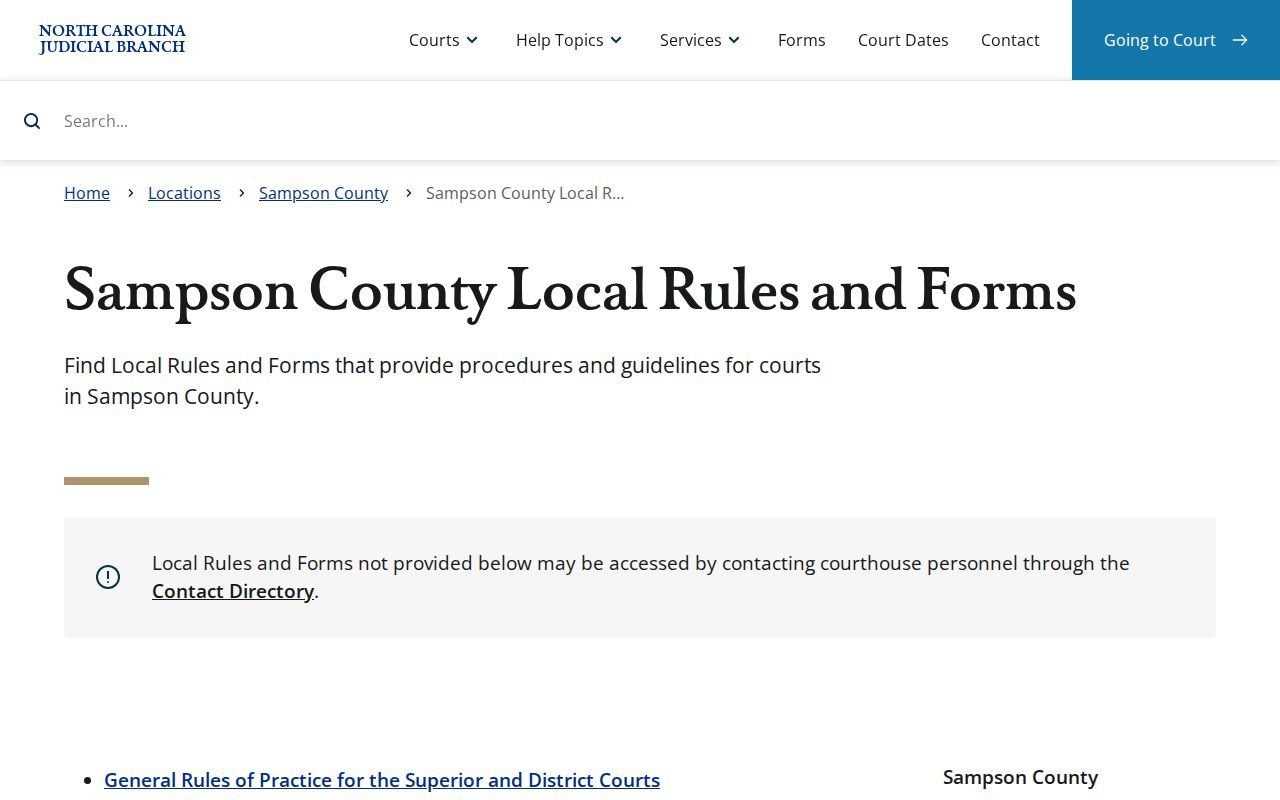
Those local rules sit alongside the docket itself. They govern how a District Court motion or trial calendar gets requested for a Sampson civil Register of Actions.
Civil Docket Settings and Hearings
A hearing entry in a Sampson civil Case Summary is part of the record. It is not always the last word on a current setting. Portal Search Hearings is the statewide calendar tool for live eCourts counties. Use it for the live picture. Pick Sampson County, a hearing type, a search type, the dependent information for that search type, and a date range. The judicial calendar application posts current Sampson civil calendar PDFs too.
When Portal and the calendar leave a change unclear, call the court office. District Court Judges can be reached at (910) 596-6612. Superior Court and Trial Court Administration sits at (910) 596-6616, and the Sampson Clerk at (910) 596-6600. One more gap exists. The Portal guide does not promise that a Search Hearings return identifies virtual attendance information. The clerk supplies any remote link outside Portal.
Note: A civil calendar can be right for Sampson County yet still cover the wrong division. Check both the court division and the current case number.
Sampson Civil Calendar Requests
A Sampson District Court civil calendar request asks for real specifics. Expect to supply the file number and the plaintiff and defendant caption. The form also wants the term requested, the nature of action, and the applicable motion or trial choice. Add the estimated time, readiness certifications when applicable, the date, the signature, and the party or attorney role. Send the local form by mail or fax to the District Court Judges Office at the Sampson County Courthouse, 101 East Main Street, Clinton, NC 28328. The office phone is (910) 596-6612, and the listed fax is (910) 596-6613.
Limits apply. Sampson caps a case at two outstanding calendar requests at a time. A request that skips the form can be ignored by the Judicial Assistant and Clerk. The same goes for one that omits required information. A continuance question raised before the Calendar Committee adjourns goes to the committee judge, who may grant or deny it. After adjournment, the judge holding the civil term takes it up at calendar call.
Civil Docket Access Rules
Civil court records in Sampson that are not protected by law stay open to public inspection. Access runs at the clerk during regular office hours. Sampson Portal is free and useful. Still, it does not promise that every filed page appears remotely. The Sampson Clerk keeps the paper file, a public terminal, plain copies, and certified copies. Skip the statewide NCAOC public-record process for a Sampson case file. NCAOC states plainly that it is not the case-document custodian.
Public civil record limits.
G.S. 7A-109 generally opens court records, files, dockets, and indexes to public inspection unless another law bars access.
G.S. 132-6.2 addresses copies in available media and actual-cost limits without requiring a public office to create a new record.
G.S. 132-1.10 protects listed identifying information and provides a redaction request path.
Portal does not carry sealed or confidential case data, documents, or cases. Some domestic and protective-order information has display limits, and juvenile material follows separate restrictions. No Sampson civil search gets around those limits by phone, at the public terminal, or with a basic Portal registration.
Sampson Civil Clerk Matter Routes
Estates and special proceedings change the route in Sampson. The Clerk of Superior Court serves as ex officio judge of probate. That office keeps those clerk-centered records. Portal does support Estates and nonconfidential Special Proceedings filtering. Yet public visibility still turns on the record type and any restriction. Hunting a filed order? Identify the record number and exact document in Portal first. If the document is not publicly available online, take that information straight to the Sampson Clerk.
| What is needed | Sampson access route |
|---|---|
| Public Case Summary | Free Portal Smart Search or the courthouse public terminal. |
| Public filed order or pleading | Portal when uploaded and public, otherwise Sampson Clerk paper file and copy request. |
| Certified civil document | Sampson Clerk in the county where filed; Portal access is not certification. |
| Transcript or audio | Reporter for a transcript, or the separate eligible nonconfidential audio process. |
Clerk copies carry documented statutory components: $2 for the first page of each document, $0.25 for each additional page, and $3 for a certificate under seal when required. A Sampson civil docket shows the path into a file. It is not itself a certified filing.